Your station's stream is going to go down. Today, next week, in the middle of Sunday's game. The studio internet blinks, the encoder PC reboots on its own, somebody kicks a cable. You can't prevent that a hundred percent of the time, and anyone who promises otherwise is selling something.
What you can decide is something else: when the signal drops, do your listeners drop with it, or do they stay connected and hear something? My view is that most small stations don't lose listeners during the outage. They lose them in the minutes after it. The player disconnects, the listener figures the station is off the air, and they go somewhere else. And nearly always, three settings that cost nothing would have fixed it.
Why listeners get disconnected when the encoder drops
In Icecast, every stream lives on a mount point (the "mount", something like /live). The studio encoder is the source feeding that mount. If the source stops sending audio, the server waits a moment and drops the connection. The Icecast 2.4.1 documentation calls that wait source-timeout, and its sample config uses 10 seconds.
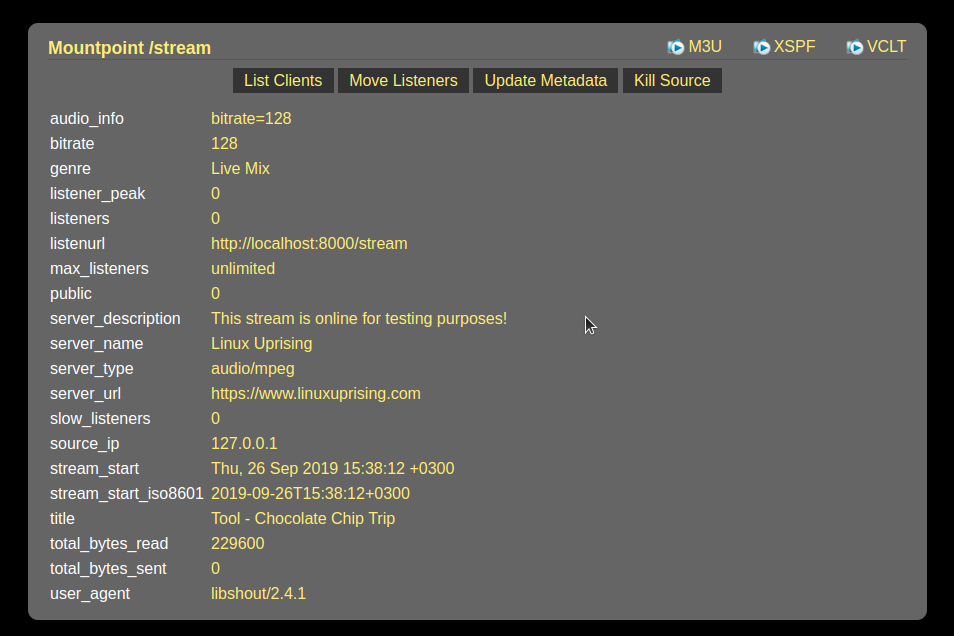
Fine so far. The problem is what happens to the people listening. The same documentation is blunt: without a backup mount configured, listeners "will be disconnected." The app closes, the web player stops, the kitchen smart speaker playing your stream goes quiet. When the encoder comes back thirty seconds later, nobody is on the other end. Everyone has to hit play again, and plenty of them won't.
The fallback that keeps listeners waiting
Icecast has a setting called fallback-mount. It tells the server where to send listeners if the source goes away. That can be another mount, say a second encoder somewhere else, or a prerecorded audio file. For the file, the docs say it repeats until the listener disconnects or the stream comes back and takes the listeners back.
For that return to happen on its own, you turn on a second setting on the main mount, fallback-override. With it, when the encoder reconnects, listeners move from the backup back to the live feed. Nobody touches anything.
Now, what goes in that file. I wouldn't use silence or a random song. I'd use your station voice saying the station name and that the signal will be right back, over a music bed, about two minutes long, something that can loop without getting annoying. Listeners know the station is still there. One technical detail trips up a lot of people: the file has to be in the same format as the stream. If you broadcast MP3 at 128 kbps, the file is MP3 at 128 kbps, same sample rate. Icecast warns that a mismatched format can cause playback problems.
If your server is hosted and you can't touch the config, this part is your provider's job. Whether you use Virtues audio streaming or any other company, the question is simple: does my mount have a fallback? Where does it point? Do listeners come back on their own?
The encoder has to come back with nobody in the studio
The second fix is on the computer sending the audio. I'll use BUTT as the example, but the logic applies to whatever encoder you run.
The BUTT 1.47 manual says that if the connection is lost, it keeps trying to reconnect until someone presses stop. Great. That doesn't help if the program isn't even open, though. So there are two boxes I'd tick: the one that launches BUTT with Windows, and "Start streaming after launch," which connects to the server as soon as the program opens. With both, the PC reboots and the stream comes back by itself.
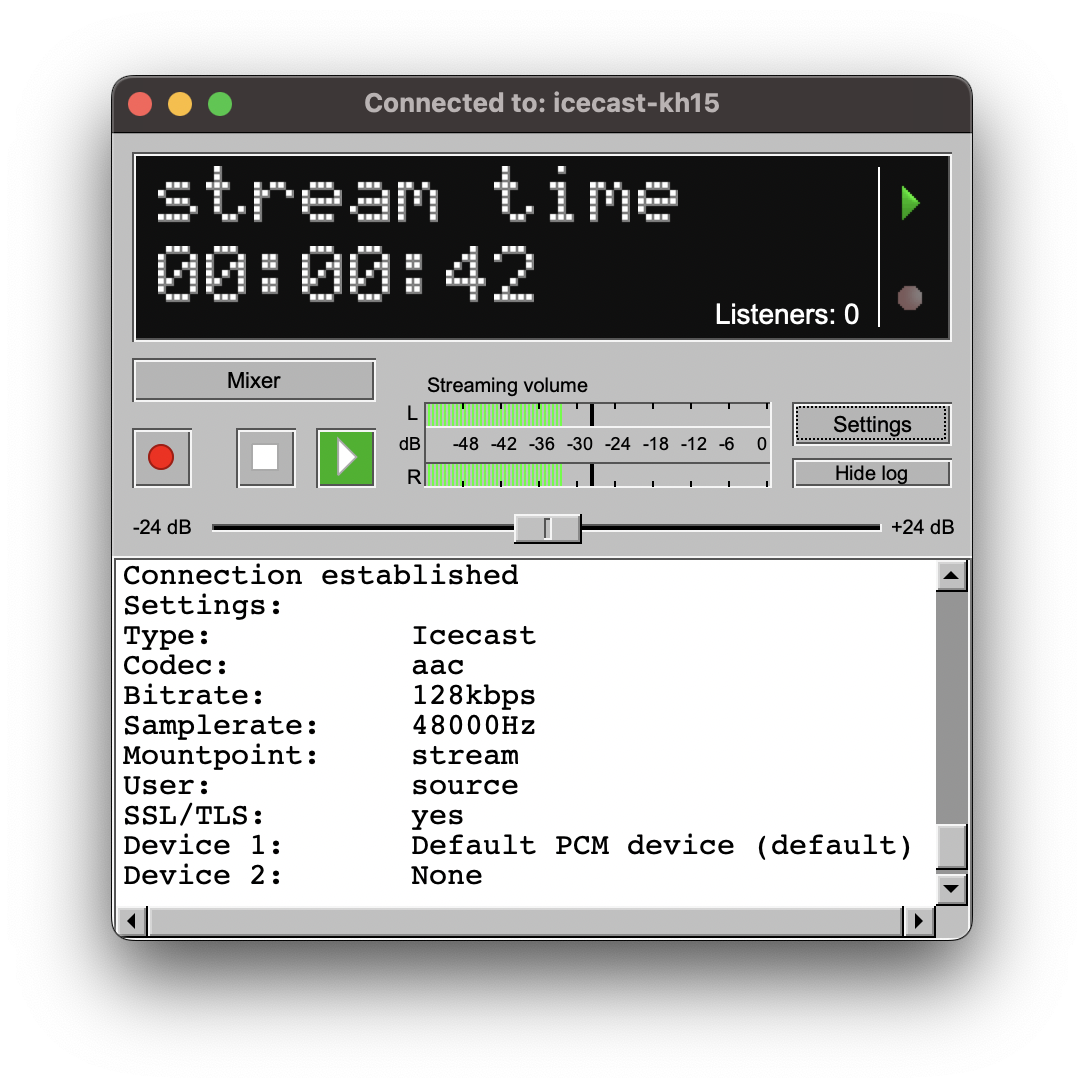
There's a third option worth knowing: stopping the stream when the signal is absent for a set time (the default detection level is -50 dB). Killing your own stream on purpose sounds backwards. But picture the automation system freezing and putting out dead air at 3 a.m. With a fallback in place, BUTT stops, Icecast moves listeners to the backup file, and when audio returns, the "start if signal is present" option reconnects. Dead air turns into a station ID. Just don't set the time too short, or a host's dramatic pause will send everyone to the backup.
The studio Windows PC reboots when it feels like it
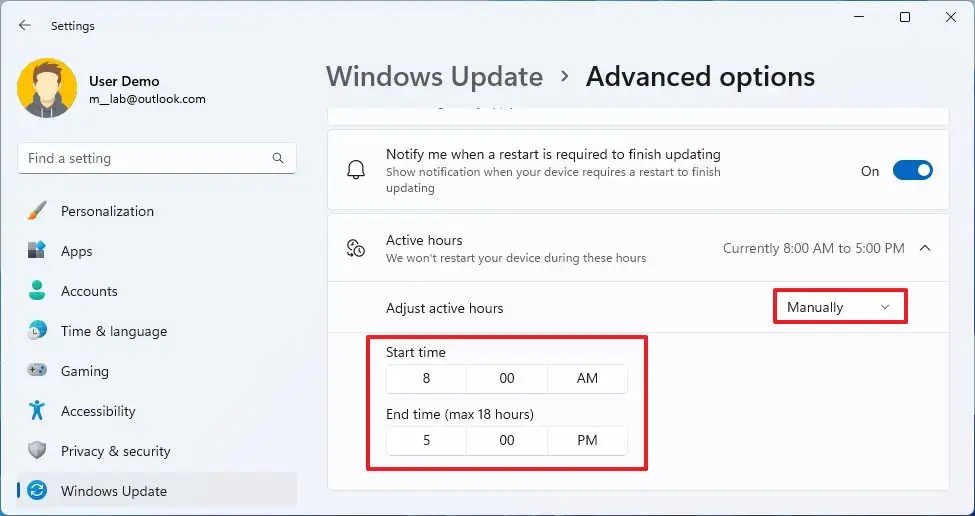
This is the outage that shows up overnight. Windows installs updates and restarts outside what it calls "active hours." According to Microsoft, the default on PCs is 8 a.m. to 5 p.m., and current versions allow at most 18 hours of active hours.
Do the math: a station on the air 24 hours, a maximum of 18 active hours. That leaves 6 hours a day when Windows can reboot the encoder machine. If nobody changed the default, it's 15.
You can change it under Start > Settings > Windows Update > Advanced options > Active hours, as Microsoft's support page shows. Set it manually and cover your biggest audience hours. For a lot of stations that's morning drive, and a reboot at 9 a.m. is the worst thing that can happen. But changing the hours isn't enough on its own: the reboot will happen at some point, and what saves you is the previous fix, an encoder that comes back by itself.
The test I'd run this week
On a quiet overnight, with the fallback already set up, reboot the encoder PC on purpose and listen on your phone, over mobile data, the way your audience does. Time it. Did the backup audio kick in? Did the live feed come back without you touching the keyboard? How long did it take?
If something failed, you found out on a Tuesday at 3 a.m., not in the middle of the broadcast an advertiser paid for. Then run it again, pulling the network cable for a minute. Ten minutes of work, and the next outage is just a station ID on the air.
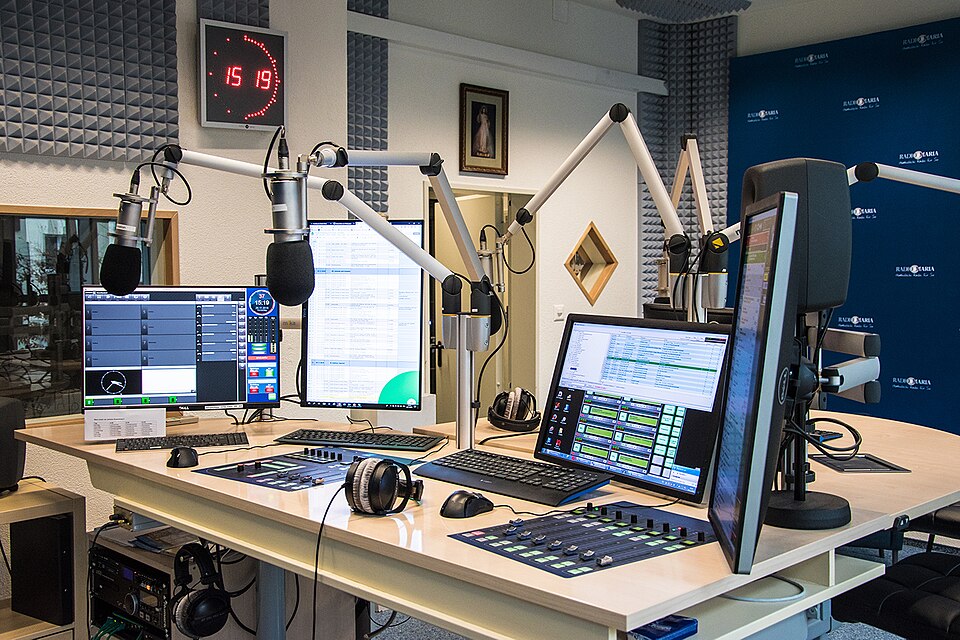
Cover photo: Radio Maria studio in Adliswil, Switzerland. Radio Maria, CC BY-SA 4.0, via Wikimedia Commons.
